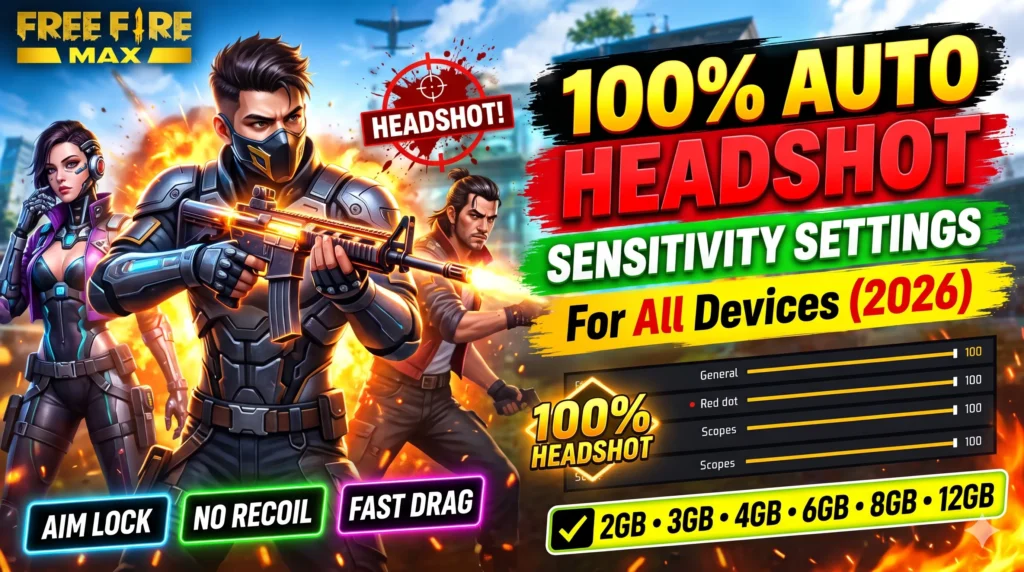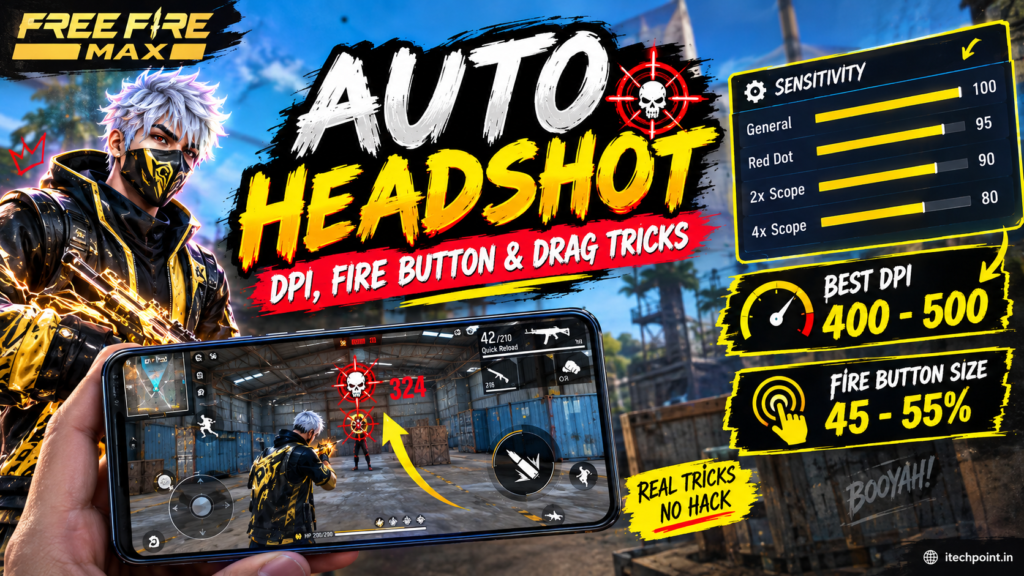
Every Free Fire MAX gamer wants “Pure Red Numbers” (one-tap headshots). But while hundreds of players are using the same assault rifles and shotguns as the esports pros, they miss the head every single time. Their bullets either hit the enemy’s chest or recoil straight into the sky.free fire max auto headshot sensitivity
The reason has nothing to do with high-end gear or illegal scripts. In 95% of cases, it boils down to sensitivity sliders, fire-button placement, and drag techniques. When your sensitivity is perfectly matched to your device’s touch sampling rate, your crosshair glides from the chest to the head effortlessly. In this complete free fire max sensitivity guide, we break down the tested sensitivity values for every device, safe DPI ranges, and pro drag mechanics.
1. Best Free Fire MAX Sensitivity Guide By RAM Size
Depending on your phone’s RAM and processor, you must calibrate the sensitivity to match the screen’s touch response rate. Follow this free fire max sensitivity guide setup according to your device tier:
A. Low-End Devices (2 GB, 3 GB, or 4 GB RAM)
Phones with entry-level chipsets and 4 GB RAM have lower touch sampling rates. To register fast drag motions without frame stutter, you need maximum sensitivity:
- General: 100
- Red Dot: 98
- 2X Scope: 95
- 4X Scope: 92
- Sniper Scope: 65
- Free Look: 70
Display Tip: Keep graphics on Smooth and High FPS on Normal. If your phone suffers from thermal throttling, check out our Vivo V50 5G Gaming Performance Review to compare frame stabilization.
B. Mid-Range & Flagship Devices (6 GB, 8 GB, 12 GB RAM or More)
Mid-range and flagship phones come with 90Hz to 144Hz displays and 240Hz+ touch sampling rates. Setting General to 100% causes over-drag and bullet scattering. Use these calibrated values:
- General: 94
- Red Dot: 89
- 2X Scope: 86
- 4X Scope: 82
- Sniper Scope: 55
- Free Look: 60
The size and position of your primary fire button determine how effectively you can perform upward drags:
- Ideal Button Size: Set it between 40% and 46%. Default sizes (60%–80%) reduce the vertical dragging space on touchscreen displays.
- Button Position: Lower the fire button towards the bottom-right corner of your screen layout. This gives your thumb ample room for rapid upward and rotational swipes.
3. What is the Ideal DPI for Free Fire MAX?
DPI (Dots Per Inch) is found under Developer Options as “Smallest Width” on Android devices. Higher DPI increases screen pointer speed:
- Default Range: Most stock phones have 360 to 411 DPI.
- Safe Boost: Add +40 to +60 to your default value. For example, if your default width is 392, set it between 430 and 450 DPI.
- Safety Warning: Never exceed 550 to 600 DPI, as excessive values can cause system UI crashes and device overheating.
4. Pro Drag Aim Techniques for Red Numbers
Even with the best free fire max sensitivity guide, you need proper finger mechanics:
- Straight Line Drag (Mid to Long Range):
When an enemy is stationary or running straight towards you, swipe the fire button directly upwards in one continuous stroke. - The “J” Rotation Drag (Close Quarters Combat):
If an enemy is jumping or moving horizontally (left or right), drag your fire button down slightly and then whip it up in a “J” curve towards their movement direction. For aggressive rush fights, pair this with skills from our Best Character Combination in Free Fire Max guide. - White Crosshair Positioning:
Avoid firing when your crosshair is already locked red on the enemy’s chest, as it triggers auto-aim chest lock. Keep the crosshair white near the enemy’s shoulder height before executing your drag.
5. Zero Lag & Performance Optimization
To maintain consistent drag responsiveness in ranked lobbies:
- Set Display Graphics to Smooth and High FPS to High.
- Clear the in-game cache before entering competitive matches.
- Close all background applications and disable battery-saver modes.
- Always play on verified game versions to avoid ban risks. You can get the official game files via the Google Play Store Free Fire MAX Portal and review anti-cheat regulations on the official Garena Free Fire Website.
This updated free fire max sensitivity guide gives you consistent one-tap accuracy across both Clash Squad and Battle Royale modes.